
Set up in thirty seconds, folded and in my bag in less. Neck and shoulder tension I'd had for months gone inside a week. Lightweight, solid, does exactly what it says.
Laptop Stand Fold
“Set up in thirty seconds, folded and in my bag in less. Neck and shoulder tension I'd had for months gone inside a week. Should have done this years ago.” — James R., London
£29.00
Free deliveryover £40
30-day trial
Free returns
30 days. Doesn't work for you? Full refund. We'll sort the return.
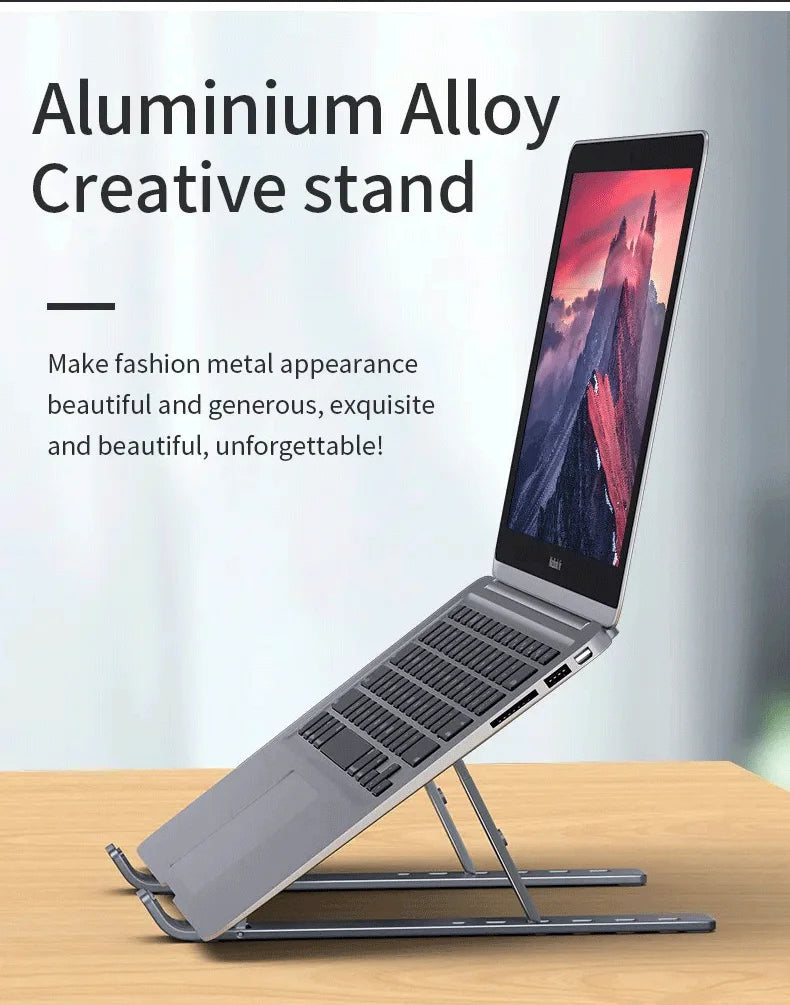
ALUMINIUM BUILD
Your screen at eye level. Finally.
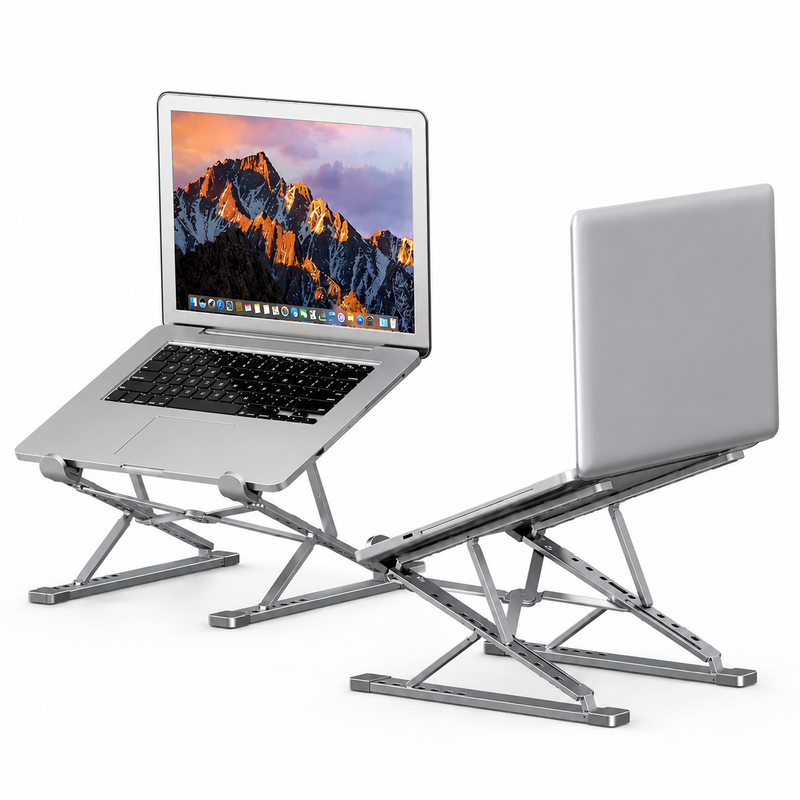
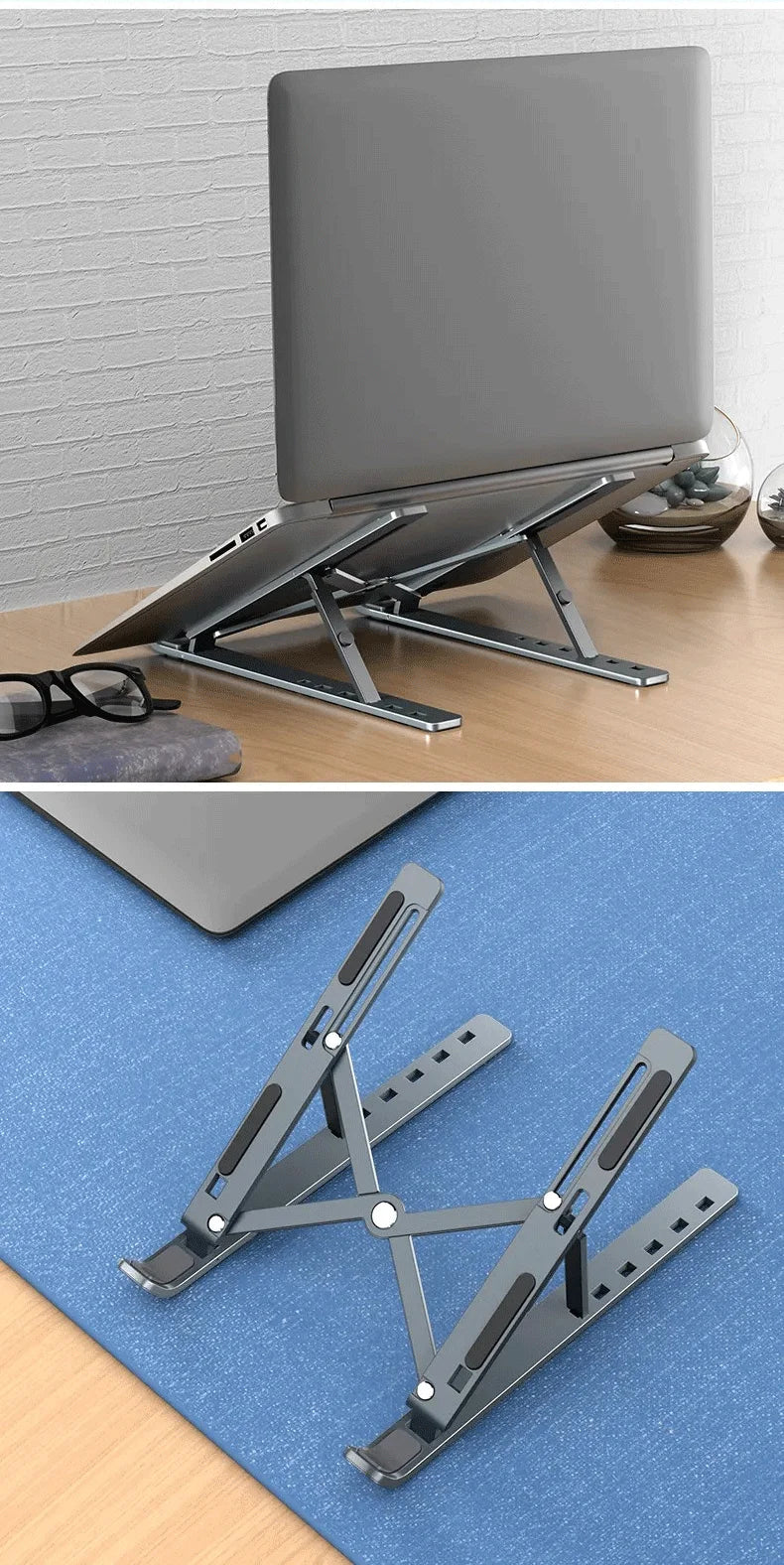
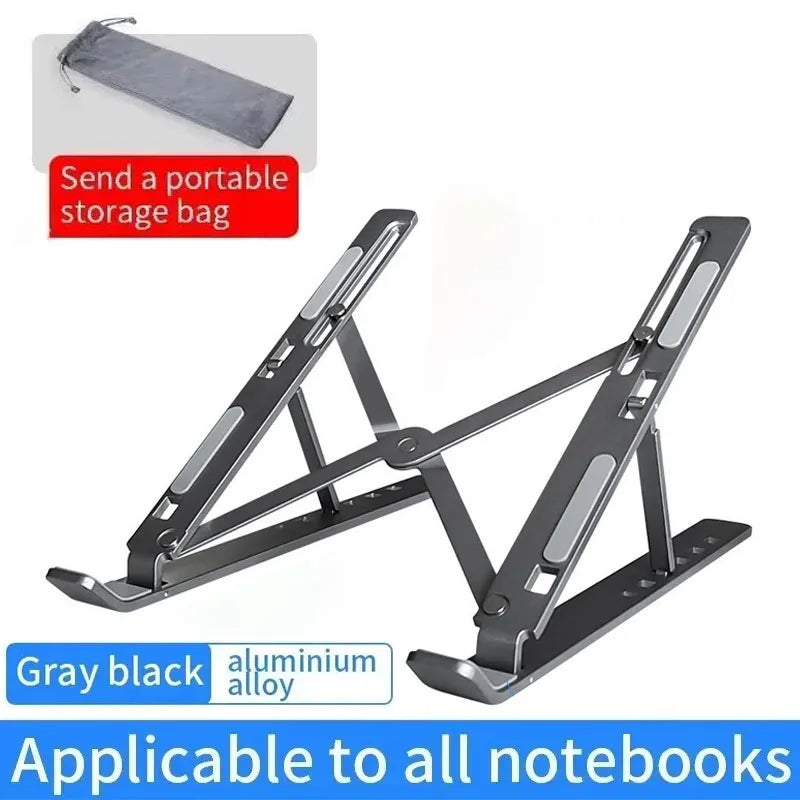
Double-layer aluminium frame lifts your screen to the right height. Better posture. Less neck strain from day one.
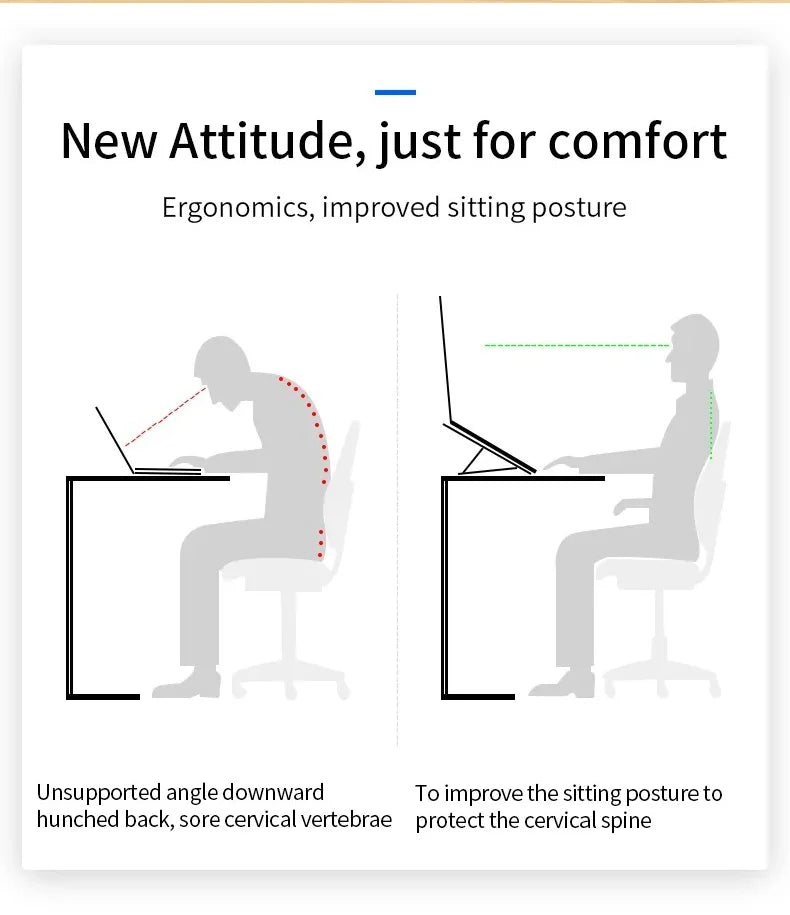
POSTURE
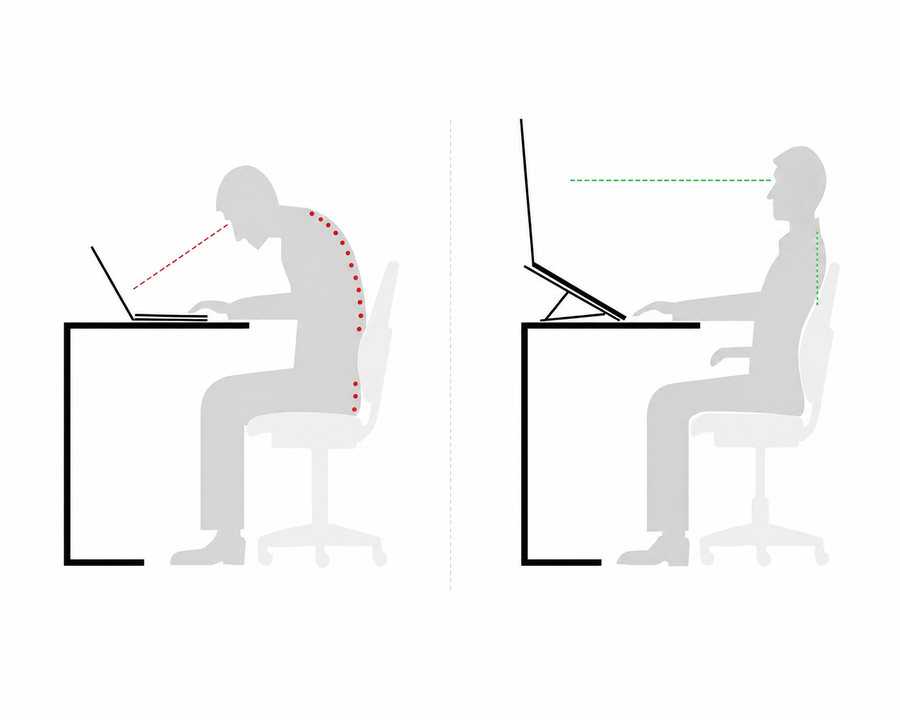
Your neck pays the price every day.
Hours looking down destroys the cervical spine. The stand raises the screen to eye level — the pain leaves without effort.
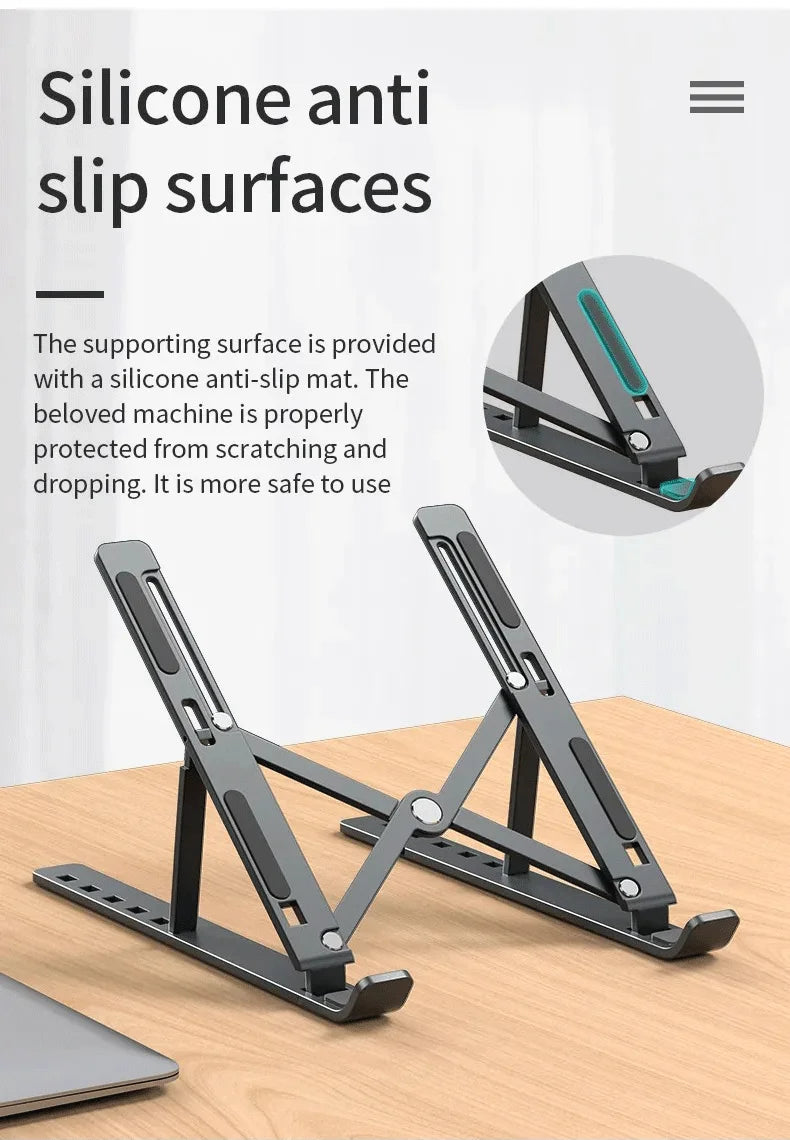
ANTI-SLIP
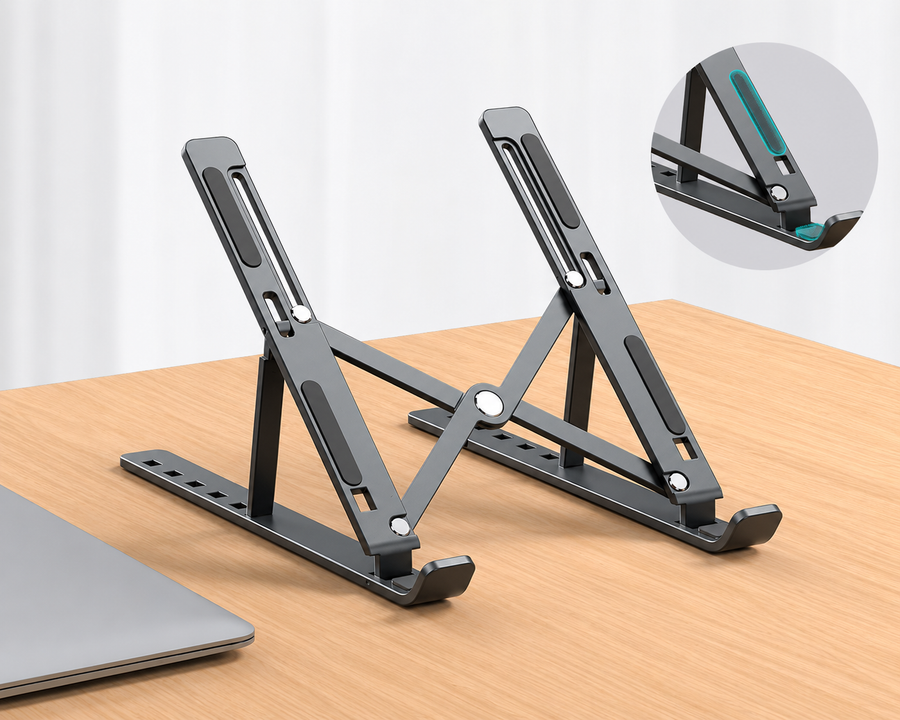
Your laptop stays. Even when you move.
Silicone pads grip your laptop without scratching. No sliding. No dropping.
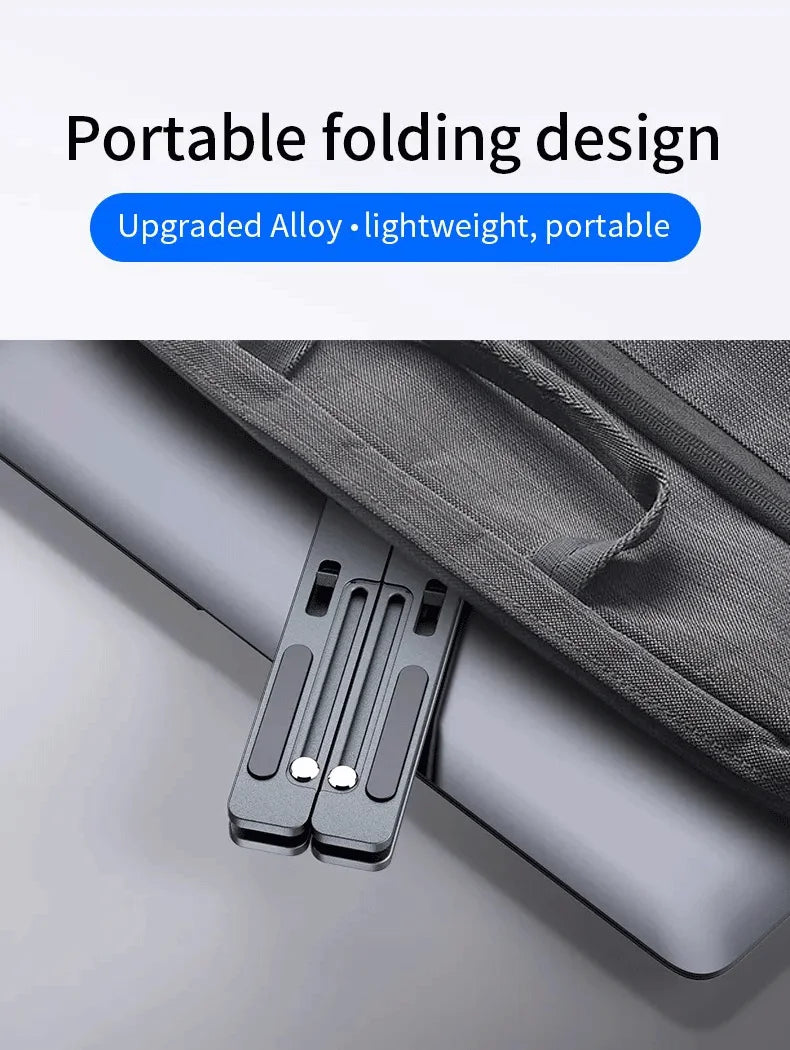
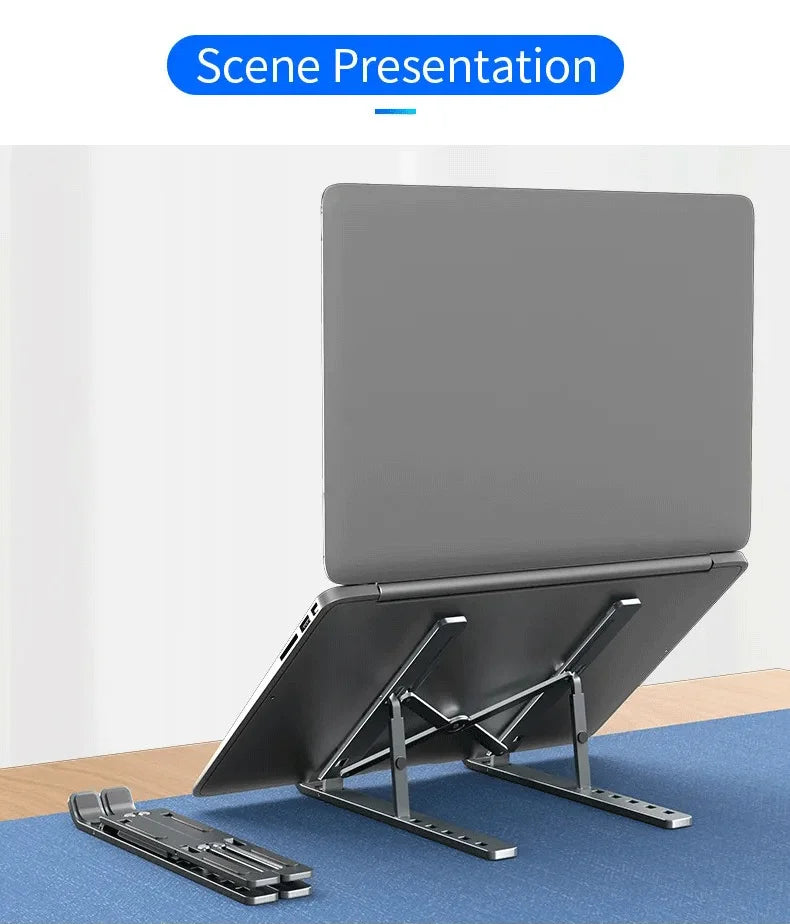
PORTABLE
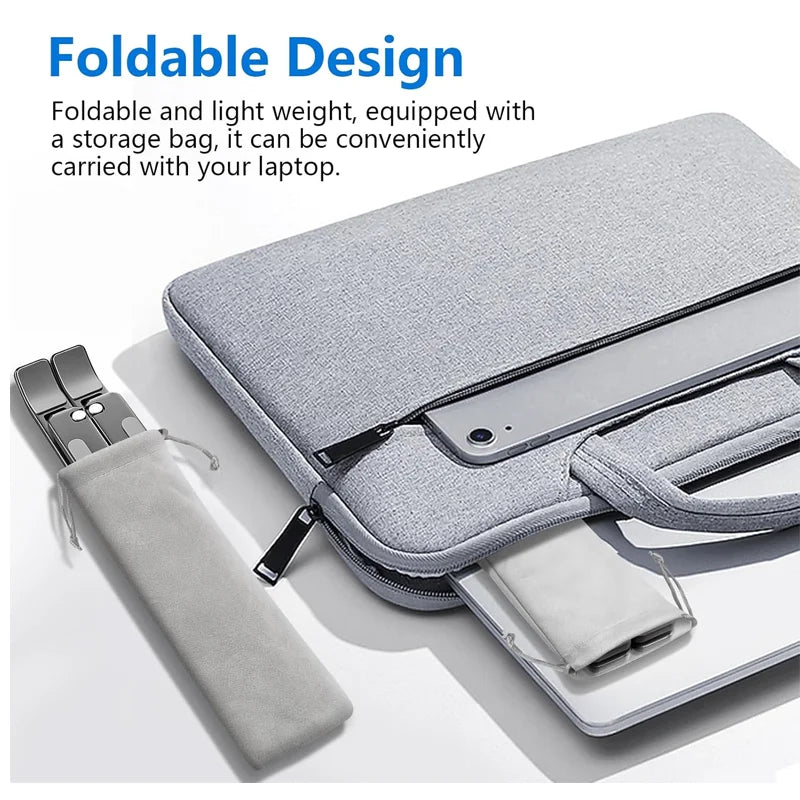
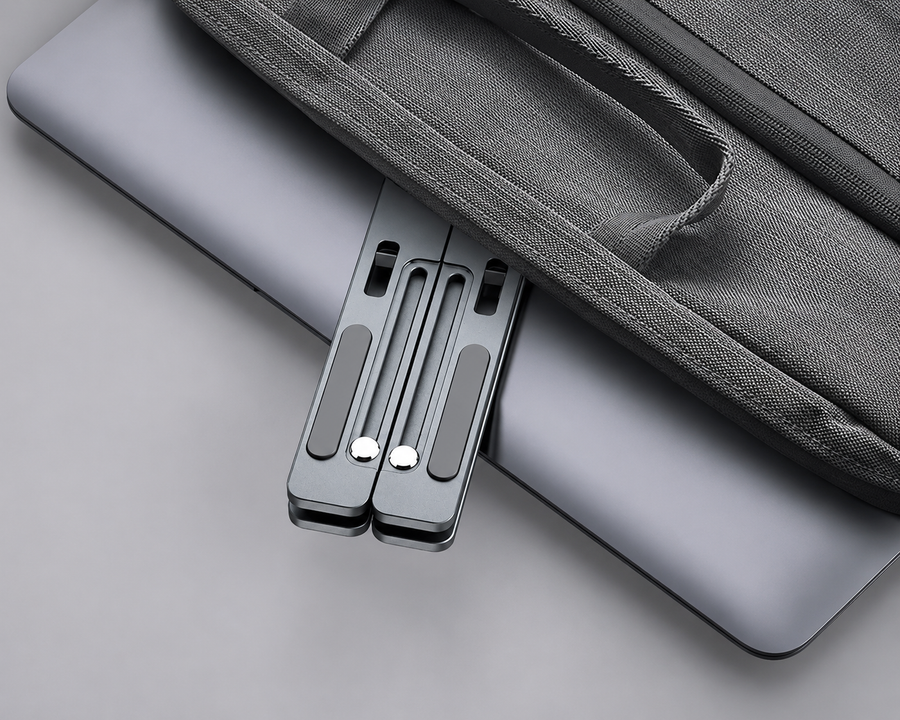
Folds. Goes in the bag. Comes with you.
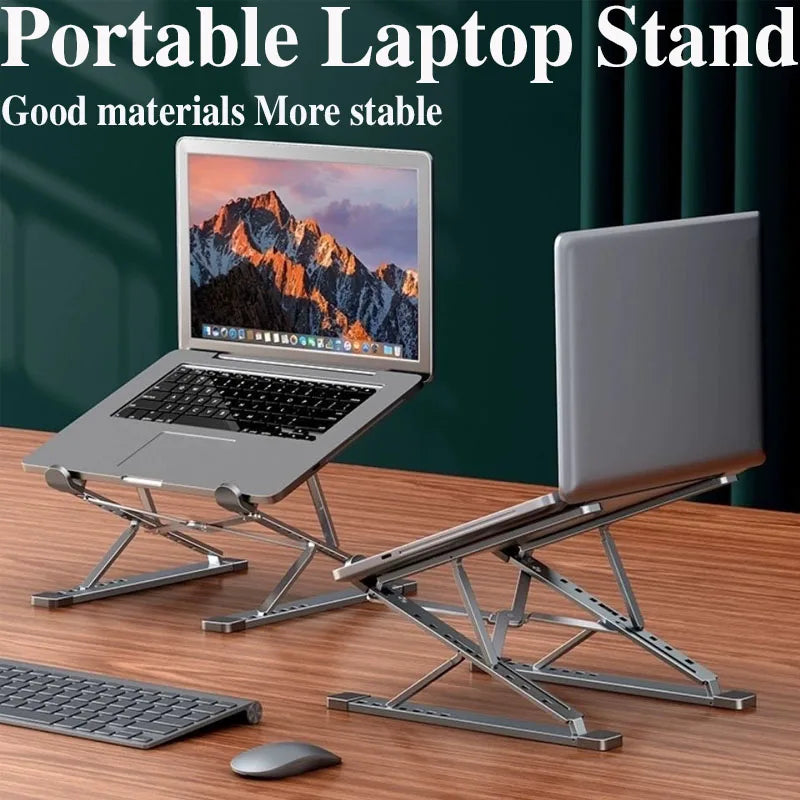
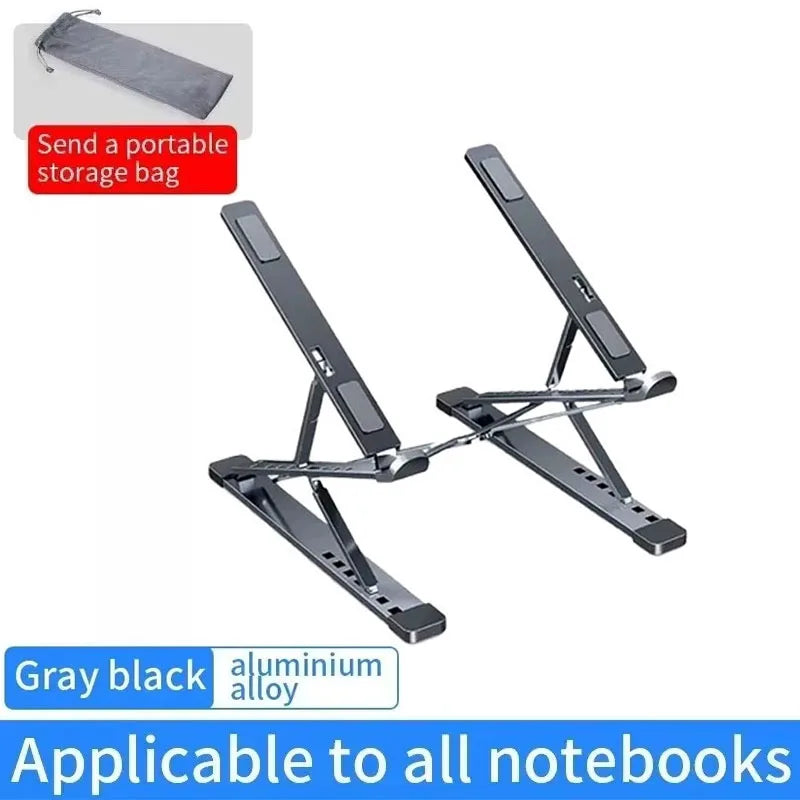
Set up in seconds, folded in less. Lightweight aluminium that fits in any backpack. Your setup goes where you go.
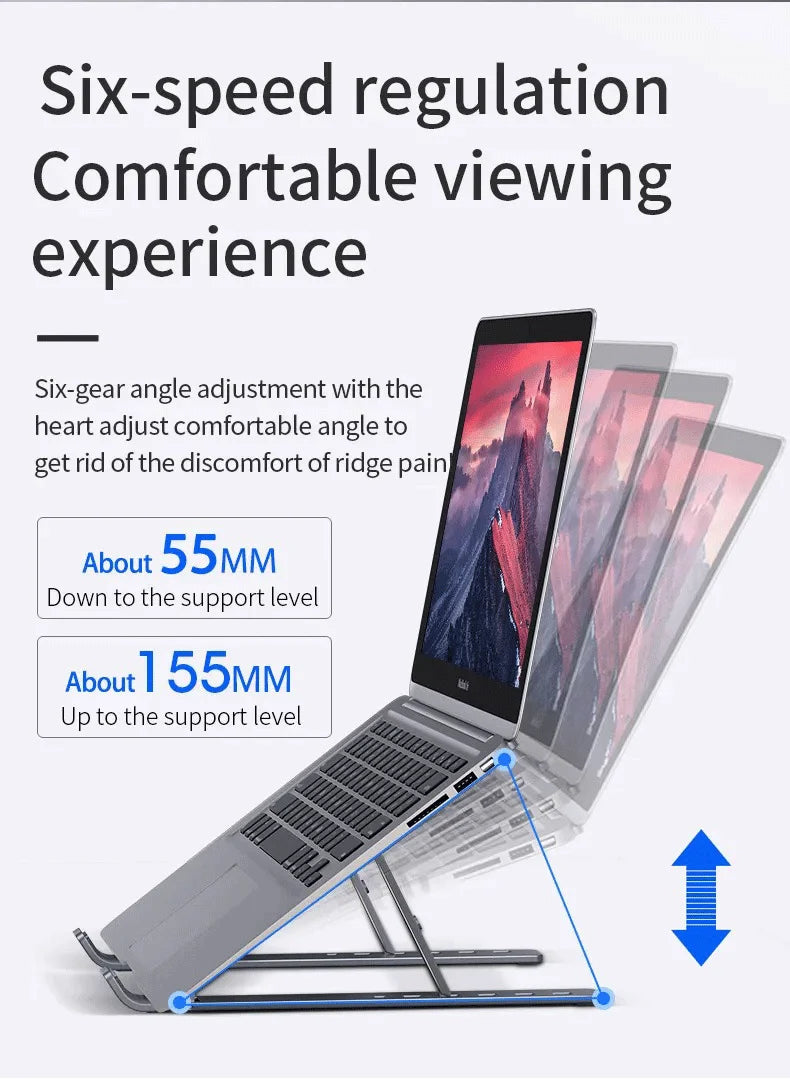
DUAL ADJUSTMENT
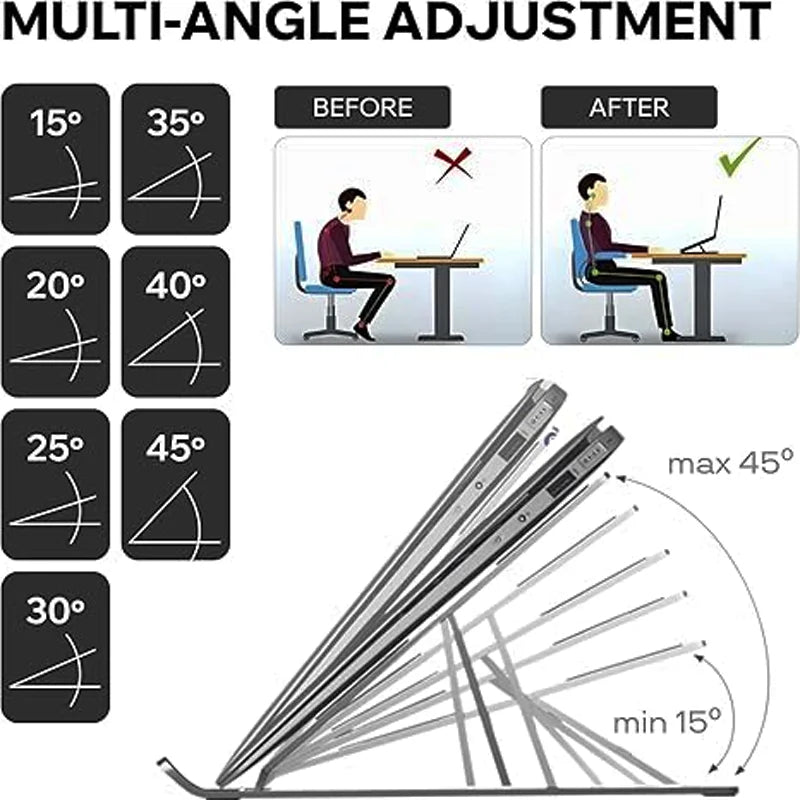
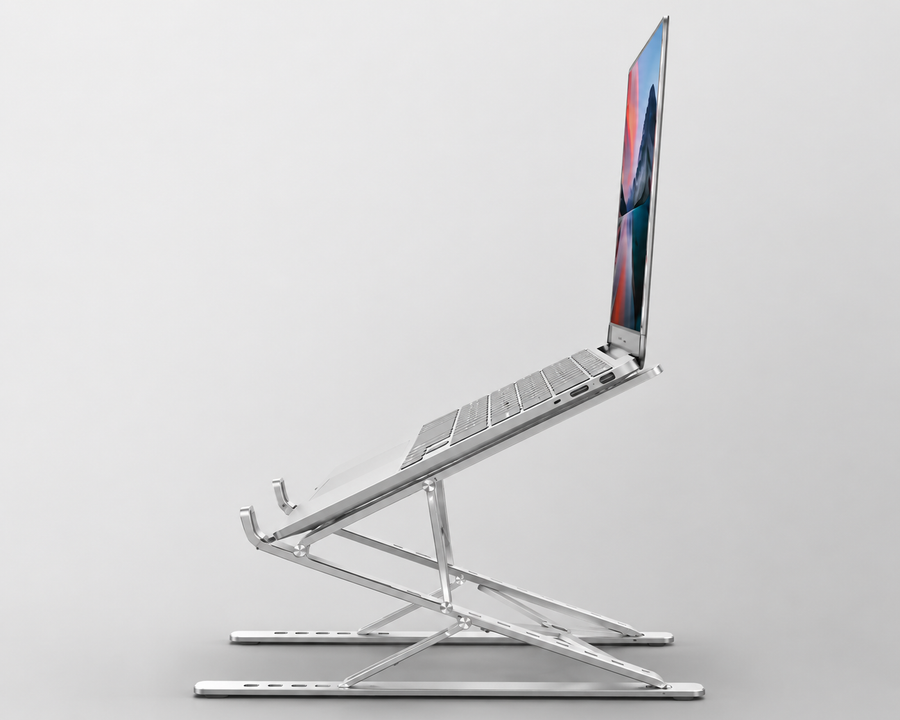
9 heights. Your exact position.
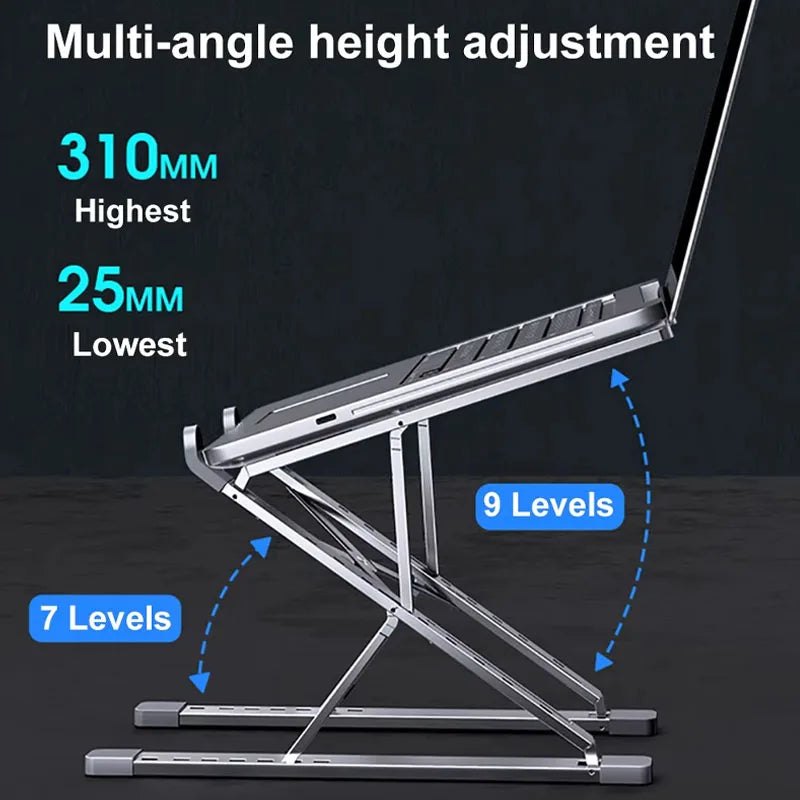
Double triangle joint. From 25mm to 310mm. Adjust, lock — stays put.
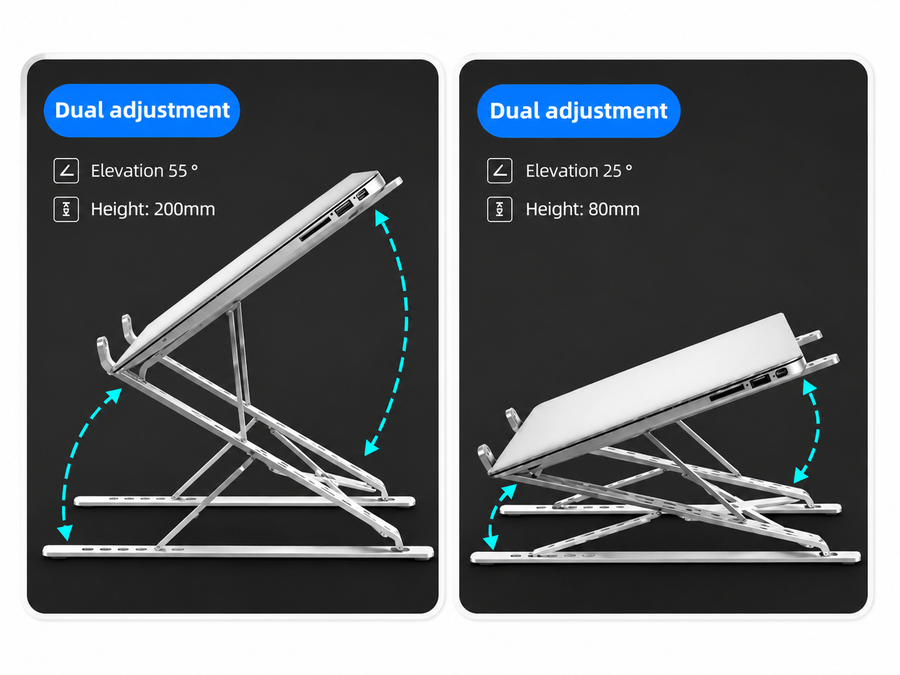
TWO POSITIONS
From video call to deep work. Seconds to switch.
25° at 80mm for calls and reading. 55° at 200mm for long sessions. No tools, no effort.
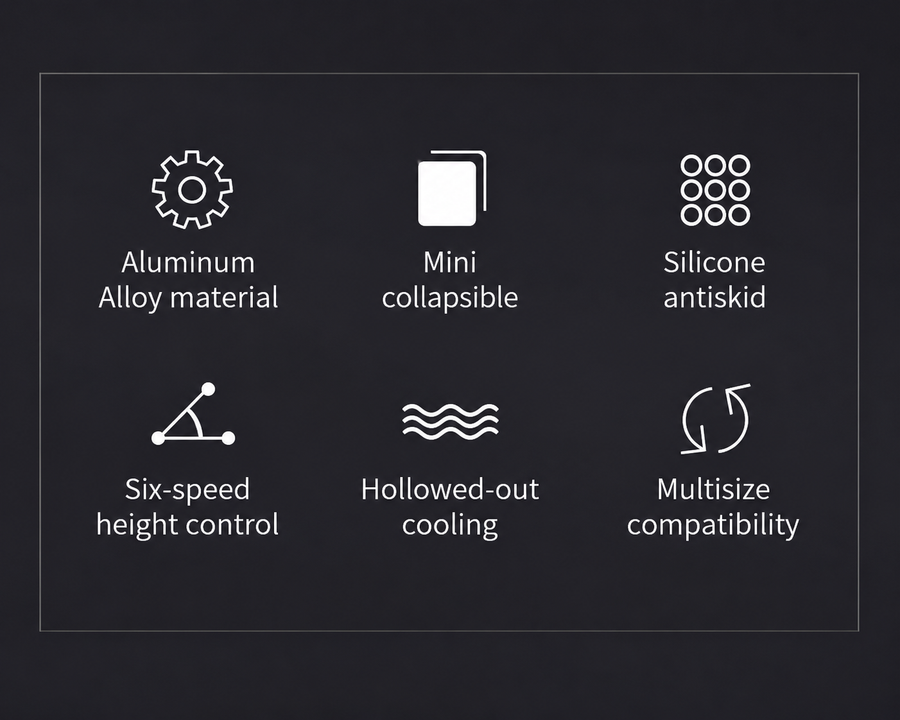
6 FEATURES
Everything a stand needs. Nothing more.
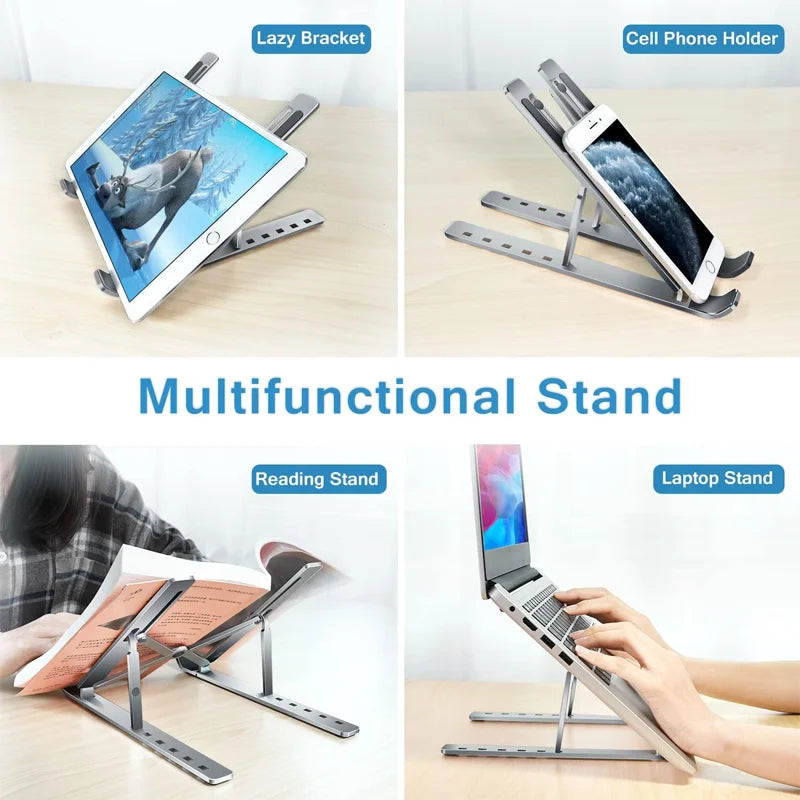
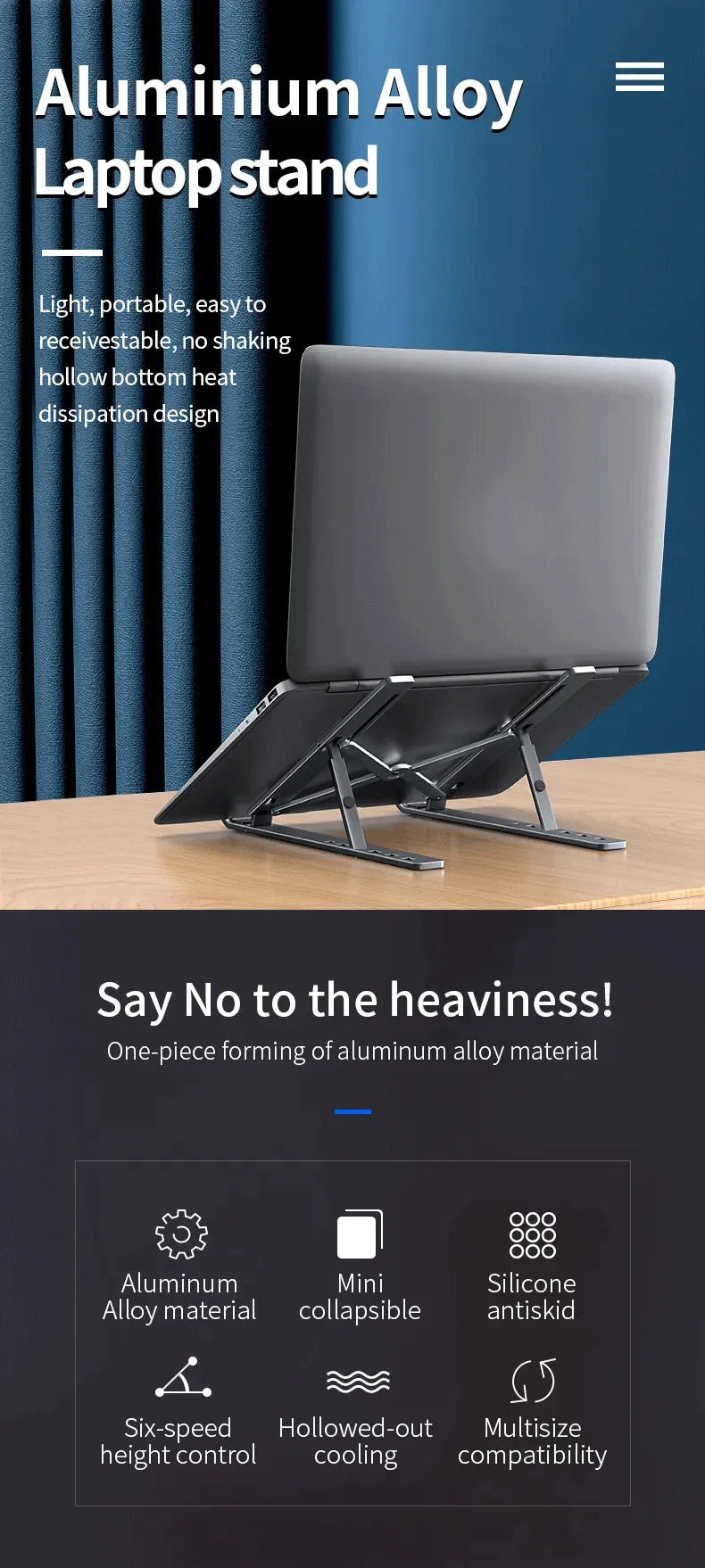
Lightweight aluminium. Folds in seconds. 6 adjustable heights. Anti-slip base. Built-in ventilation. Fits any laptop.
9
height levels
4.5★
avg rating
203
verified reviews
30
day trial
What our customers say
4.5 average · 203 verified reviews
The aluminium is genuinely rigid — no wobble at all during typing. Height adjusts smoothly and locks in place. Came with a carry bag which I didn't expect. Good value.
Six adjustable positions, all stable. The silicone pads hold the laptop firmly without leaving marks. I use it at my desk and take it to the office — the fold makes it easy to carry.
Took a few minutes to find the right height but once set it hasn't moved. The anti-slip base keeps the stand in place even on my glass desk. Noticeably less neck strain by the end of the first day.
Much sturdier than I expected for the price. The double triangle structure is the reason — it distributes the laptop's weight properly and doesn't flex. Matte black finish looks clean on the desk.
I travel between client sites and this fits in the side pocket of my laptop bag. Takes seconds to set up. The ventilation gap under the laptop means my MacBook runs noticeably cooler during long sessions.
Solid build. The dual adjustment is the key feature — I use a lower angle for video calls and tilt it higher for coding. Switching between the two positions takes about five seconds.
First stand I've had that doesn't slide. The silicone grips are on both the base and the laptop support — nothing moves. Folds completely flat and the carry bag keeps it scratch-free in transit.
Not convinced? No worries.
30-day trial. Not right for you? Return it free, full refund, no questions.
Consumer Rights Act 2015 applies to all orders.
Frequently asked questions
Which laptops does it fit?
The stand fits laptops from 10 to 17 inches including MacBook, Dell, HP, Lenovo, Asus and any standard notebook. The silicone support pads adjust to hold any width securely.
How many height positions does it have?
9 levels from 25mm to 310mm, with elevation angles between 25° and 55°. Each position locks firmly in place — no slipping between levels.
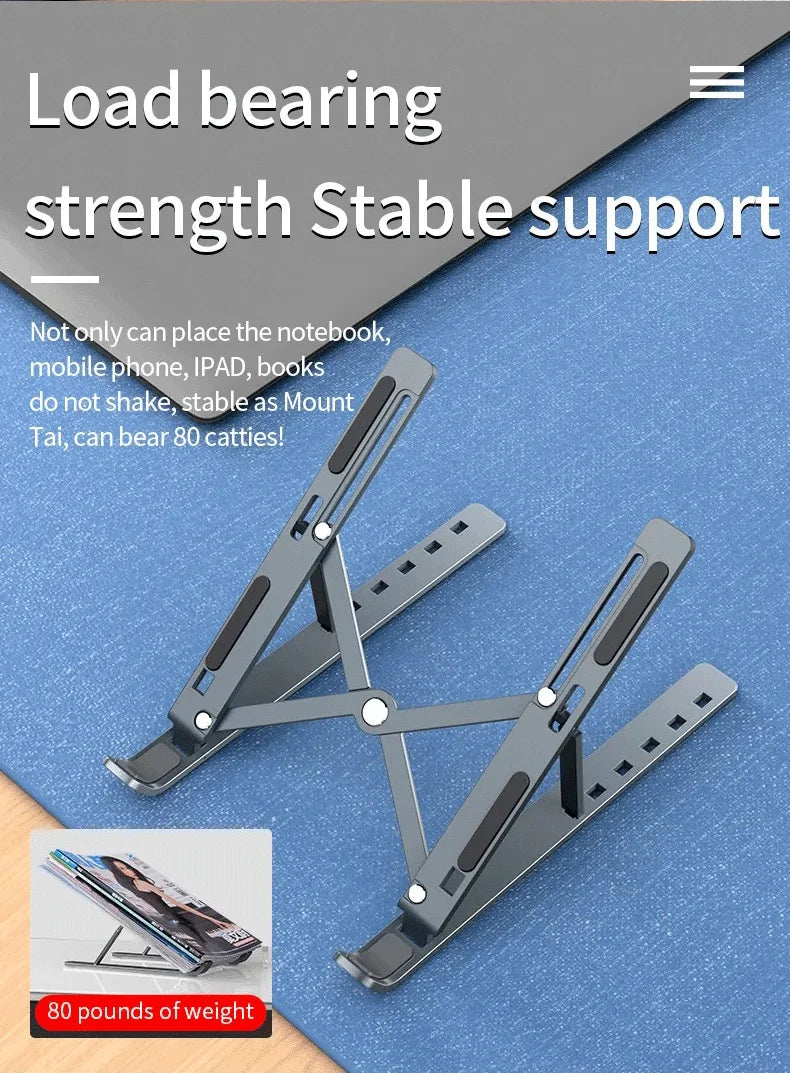
Is it stable during typing?
Yes. The double triangle aluminium structure distributes weight evenly across the base. Anti-slip silicone pads on the feet prevent the stand from moving on the desk. No wobble during sustained typing.
Does it come with a carry bag?
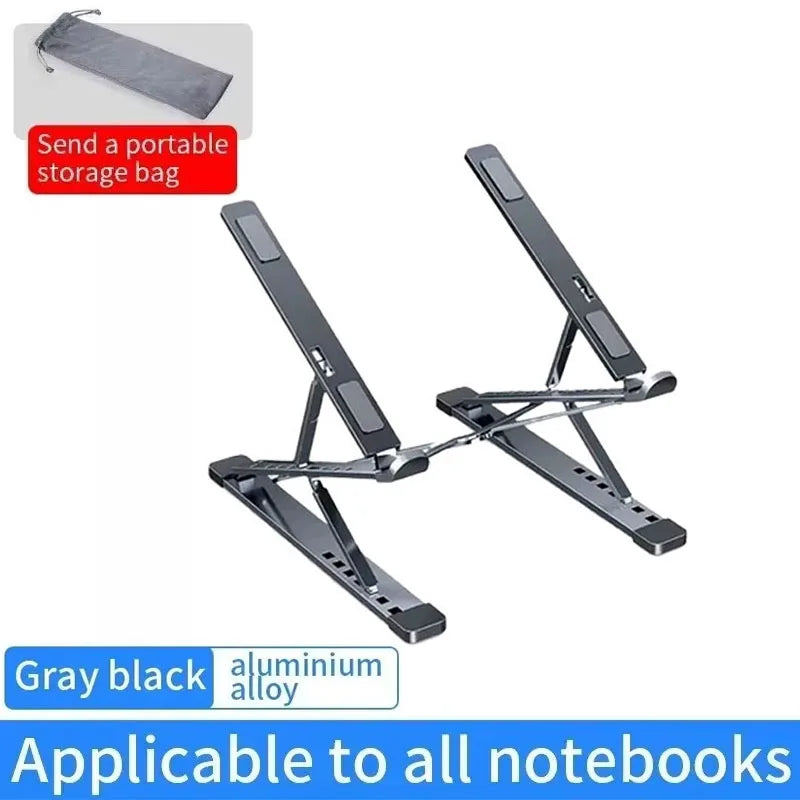
Yes. A fabric carry bag is included. The stand folds completely flat and fits inside — the bag keeps it scratch-free in transit and fits in most laptop bags or backpacks.
Will the silicone pads scratch my laptop?
No. The silicone pads are designed to grip without marking. They hold the laptop securely without leaving pressure marks or scratches on the chassis.
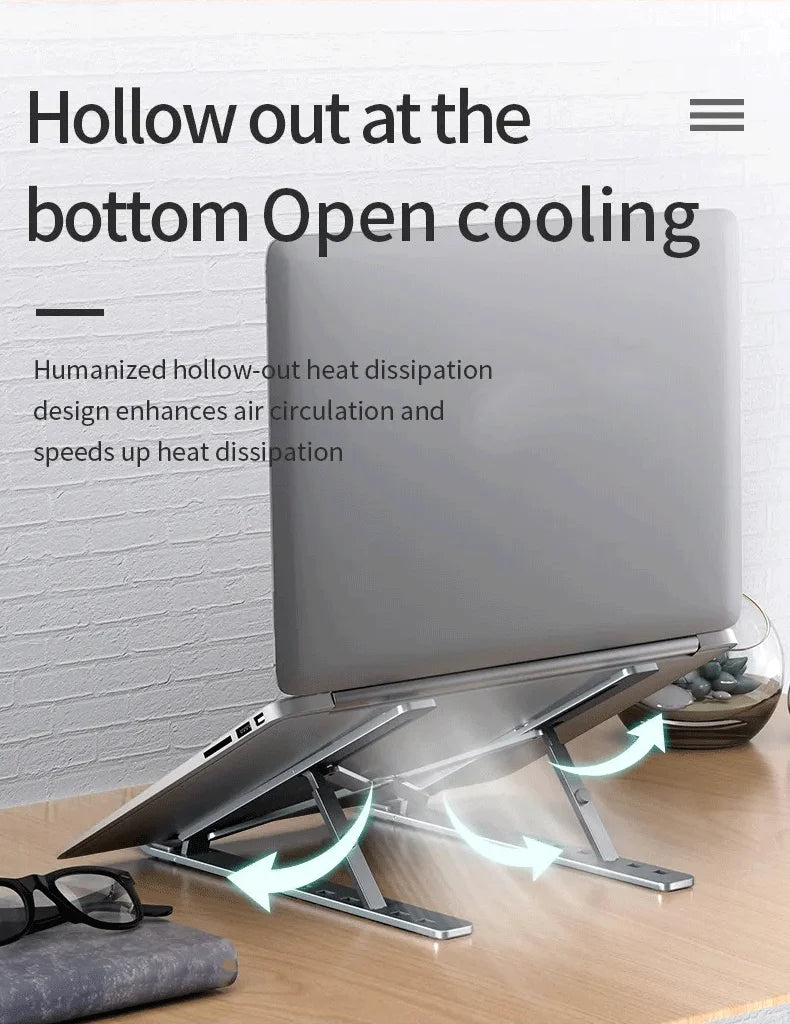
Does it help with laptop overheating?
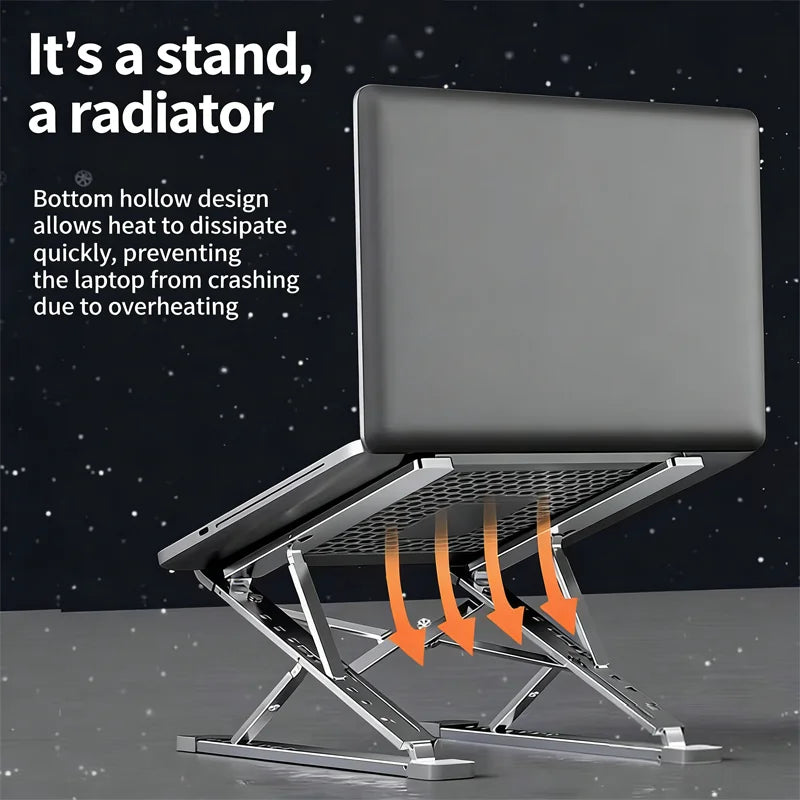
Yes. Raising the laptop off the desk creates an air gap underneath and improves airflow around the vents. The hollowed-out frame also allows heat to dissipate more effectively than a solid surface.